.PNG)
Finding a package on your doorstep is usually the highlight of a customer’s week. However, when they open that box only to find a shattered product, that excitement instantly turns into frustration. For a high-end Shopify merchant, this is the "moment of truth." You can either provide a cold, slow bank refund or you can use the opportunity to prove your brand’s elite service standards. Mastering how to issue store credit for damaged items Shopify style, is the secret to protecting your profit margins while actually increasing customer loyalty. In this comprehensive guide, we will explore why you should issue store credit instead of refund Shopify transactions and how to handle damaged product refund Shopify store credit workflows like a pro.
The Strategic Importance of Store Credit for Premium Brands
When dealing with elite customers, the "standard" way of doing things often isn't enough. A traditional refund to a credit card can take anywhere from five to ten business days to clear. During that window, your customer has no product and their money is "in limbo." This creates a gap in the customer experience where they might start looking at your competitors.
By choosing to issue store credit for damaged items Shopify merchants provide:
- Instant Satisfaction: The credit is available immediately.
- Revenue Retention: The capital stays within your business.
- Encouraged Re-engagement: The customer is guaranteed to return to your store to use their balance.
Why You Should Issue Store Credit Instead of Refund Shopify Payments
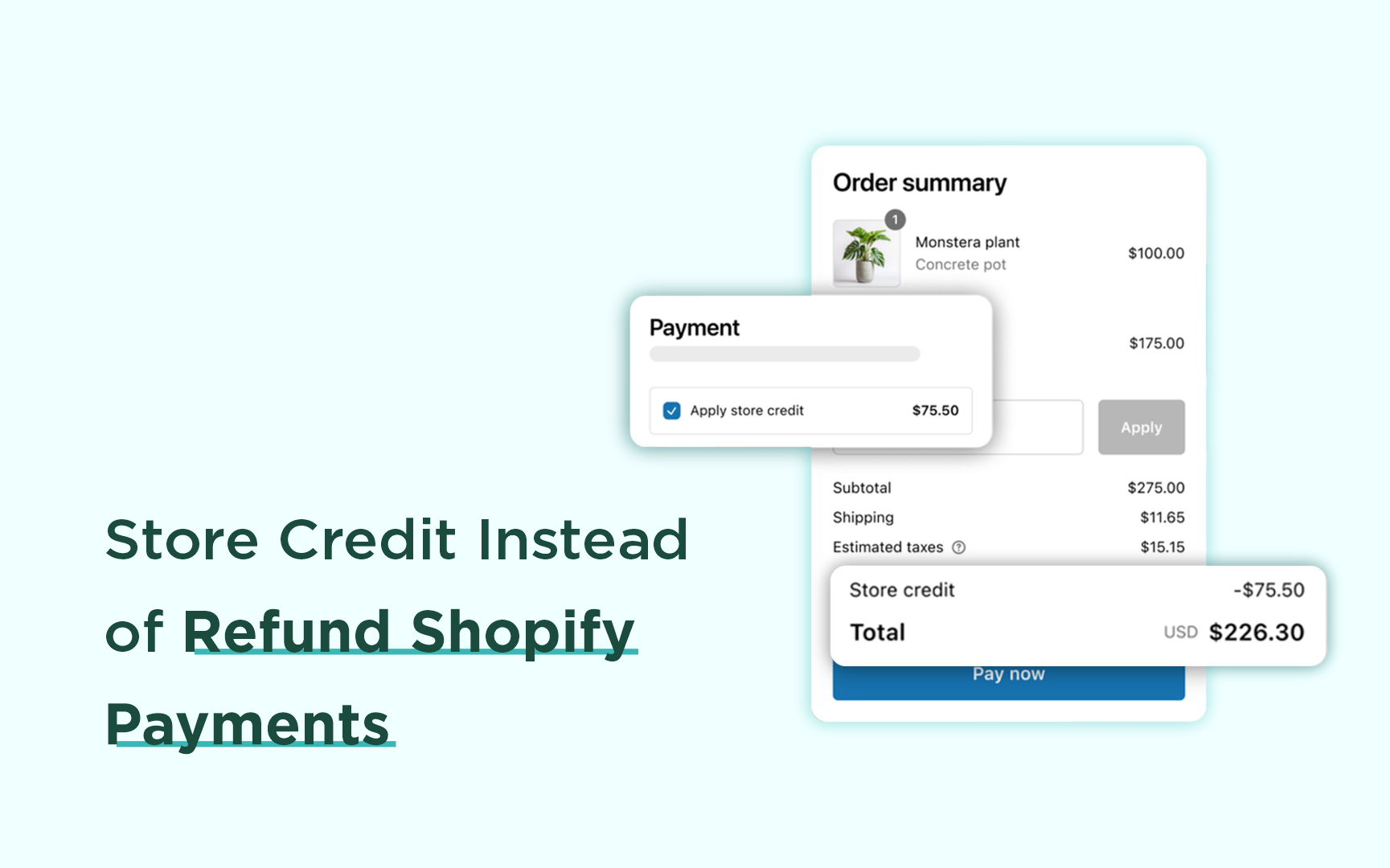
1. Preserving Your Cash Flow
Every time you hit the "Refund" button, you are losing more than just the product cost. You are losing the marketing spend it took to acquire that customer, the shipping costs, and the transaction fees. When you issue store credit instead of refund Shopify payments, that money remains in your ecosystem, allowing you to maintain healthier margins even when shipping mishaps occur.
2. Eliminating "Refund Anxiety"
Elite customers value their time as much as their money. The process of waiting for a bank to "approve" a refund is a point of friction. Providing Shopify store credit for damaged items is a proactive move. It says, "We trust you, we are sorry, and here is the solution—right now."
3. The Psychology of the "Digital Wallet"
Store credit doesn't feel like a "return." It feels like a balance in a digital wallet. This subtle psychological shift makes the customer feel like they have "buying power" rather than a pending debt. It turns a negative (a broken item) into a positive (a future shopping trip).
Step-by-Step: Managing a Damaged Product Refund Shopify Store Credit
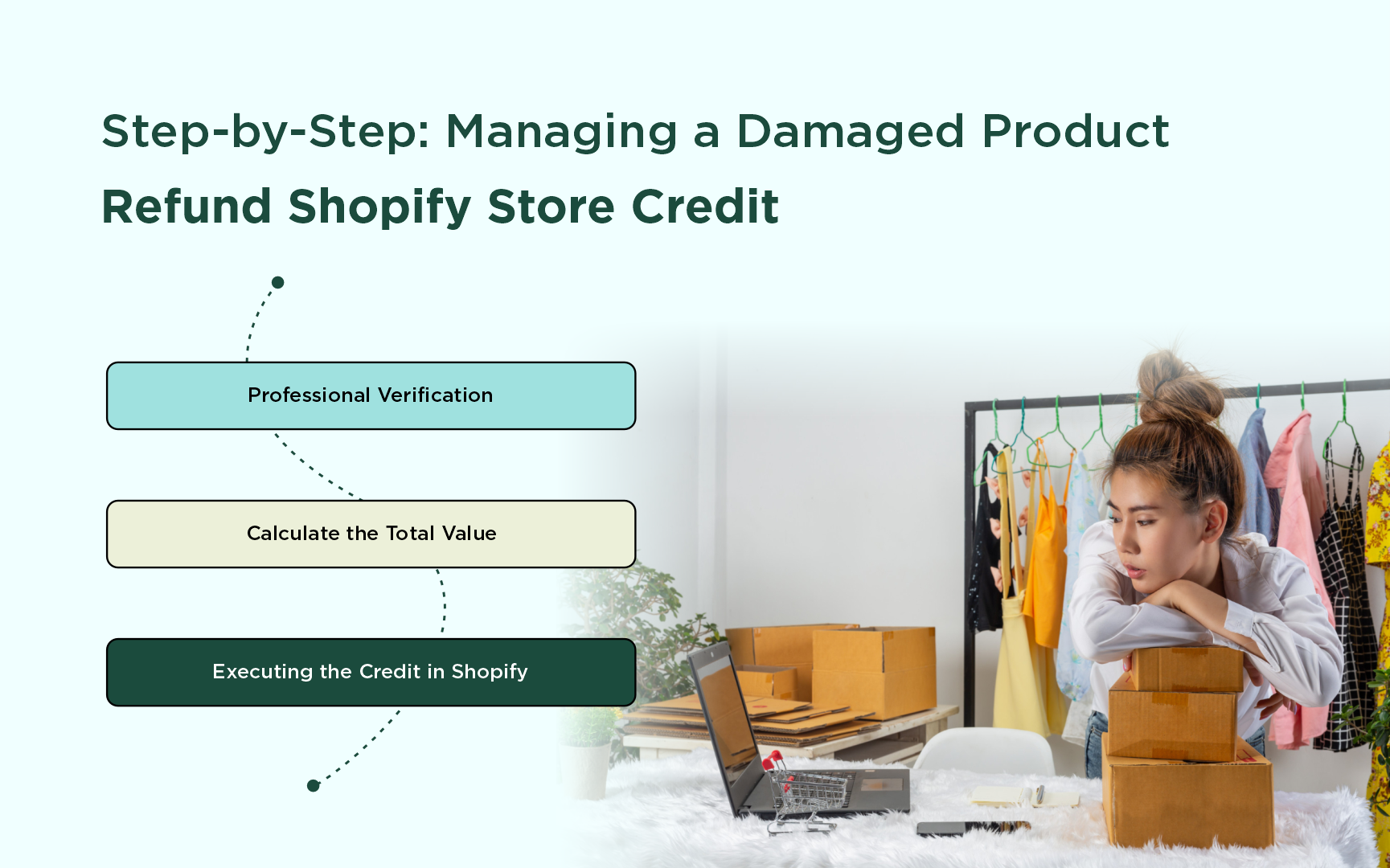
Handling a damaged item requires a balance of empathy and professional documentation. Follow this workflow to ensure your store remains organized and your customers feel respected.
Step 1: Professional Verification
Before you issue a damaged product refund Shopify store credit, you need evidence for your own records (and potentially for insurance claims with your shipping carrier).
- The Request: Ask the customer for a high-resolution photo of the damaged item and the outer shipping box.
- The Language: "We are so sorry your order didn't arrive in pristine condition. To help us improve our packaging and process your credit immediately, could you please share a quick photo of the damage?"
Step 2: Calculate the Total Value
A truly professional brand doesn't just credit the item cost. To make the customer "whole," you should consider:
- The price of the item.
- A pro-rated portion of the shipping cost.
- Any taxes paid on that specific item.
Step 3: Executing the Credit in Shopify
Shopify has streamlined the process for merchants using New Customer Accounts.
- Navigate to Orders in your Shopify Admin.
- Select the order in question.
- Click the Refund button.
- Select the item that was damaged.
- In the refund summary, look for the Refund Method dropdown.
- Select Store Credit.
- Click Refund.
The customer will receive an automated notification that their account balance has been updated.
Elevating the Experience: The "Inconvenience Bonus"
If you want to truly stand out to elite customers, don't just issue a 1:1 credit. This is where the issue store credit instead of refund Shopify strategy becomes a powerful marketing tool.
If a customer bought a $100 vase and it arrived broken, consider issuing $110 in store credit.
- The Message: "We’ve issued $110 in store credit to your account—the full $100 for the vase, plus an extra $10 to say thank you for your patience while we fix this."
- The Result: The customer now feels like they "won." They are much more likely to tell friends about the incredible service they received, effectively turning a shipping disaster into a word-of-mouth marketing win.
Best Practices for Store Credit for Returns Shopify
While we are focusing on damaged goods, your overall policy for store credit for returns Shopify should be cohesive.
1. Transparency in Your Policy
Your "Shipping & Returns" page should clearly state: "In the event of shipping damage, we offer instant store credit so you can replace your items without waiting for bank processing times." This sets expectations and actually makes customers feel more confident buying from you.
2. Make the Credit Easy to Find
There is nothing more frustrating than having store credit but not knowing how to use it. Ensure your "Customer Account" page is clean and professional. When a customer logs in, their Shopify store credit for damaged items should be the first thing they see.
3. Automated Expiry Reminders
If your store credit has an expiration date (though for damaged items, it is better if it doesn't), send a polite reminder 30 days before it expires. This is another touchpoint to bring the customer back to your site.
Technical Considerations for High-Ranking Shopify Stores
To ensure this process scales as your business grows, consider the following technical setup:
| Feature | Importance | Benefit |
|---|---|---|
| New Customer Accounts | High | Allows native store credit management within Shopify. |
| Email Customization | Medium | Personalizes the "Credit Issued" notification to match your brand voice. |
| Internal Tags | Medium | Tag customers who accept credit as "Loyal" for future VIP marketing. |
Conclusion: Building a Resilient Brand
In the world of high-end e-commerce, mistakes are inevitable. Packages will get dropped, and items will break. However, your brand is defined by how you respond to those mistakes.
When you issue store credit for damaged items, Shopify merchants take control of the narrative. You aren't just "paying back" a customer; you are investing in a long-term relationship. By prioritizing a damaged product refund Shopify store credit over a standard bank refund, you protect your revenue, delight your customers, and build a reputation for elite, professional service.
Stop viewing damaged items as a headache. View them as the moment you turn a one-time buyer into a lifelong advocate.
FAQ: Professional Store Credit Management
Q: Can I issue store credit if the customer didn't create an account?
A: Shopify's native store credit requires a customer profile. If they checked out as a guest, you can still create a profile for them and issue the credit, then invite them to "activate" their account to use it.
Q: Is store credit legally the same as a refund?
A: This depends on your local jurisdiction and your stated terms and conditions. However, most elite brands find that customers are happy to accept credit for damages if it is offered as the fastest way to get a replacement.
Q: How does store credit affect my accounting?
A: When you issue store credit instead of refunding Shopify payments, the money moves from "Revenue" to "Deferred Revenue" (a liability) on your balance sheet until the credit is spent. This is much better for your cash position than the money leaving your bank account entirely.
Final Tip
Final Tip: Always follow up. Two days after you issue the credit, have a support member reach out to ensure the customer was able to find the credit and ask if they need help choosing a replacement. This "concierge" level of service is what separates elite brands from the rest of the pack.
